Convert passports to Excel or CSV files for free
Convert passports to Excel or CSV files for free
From raw passport to structured data
From raw passport to structured data
Sample passport output
Sample passport output
- Visual inspection zone and MRZ fields
- Expiry and issuing-country checks
- Review flags for blurred or inconsistent values
| Field | Extracted value | Notes |
|---|---|---|
| Full name | Avery Taylor | Visual zone |
| Passport no. | P1234567 | MRZ match |
| Expiry date | 2031-08-14 | Valid |
Use the same setup for the messy production version
Use the same setup for the messy production version
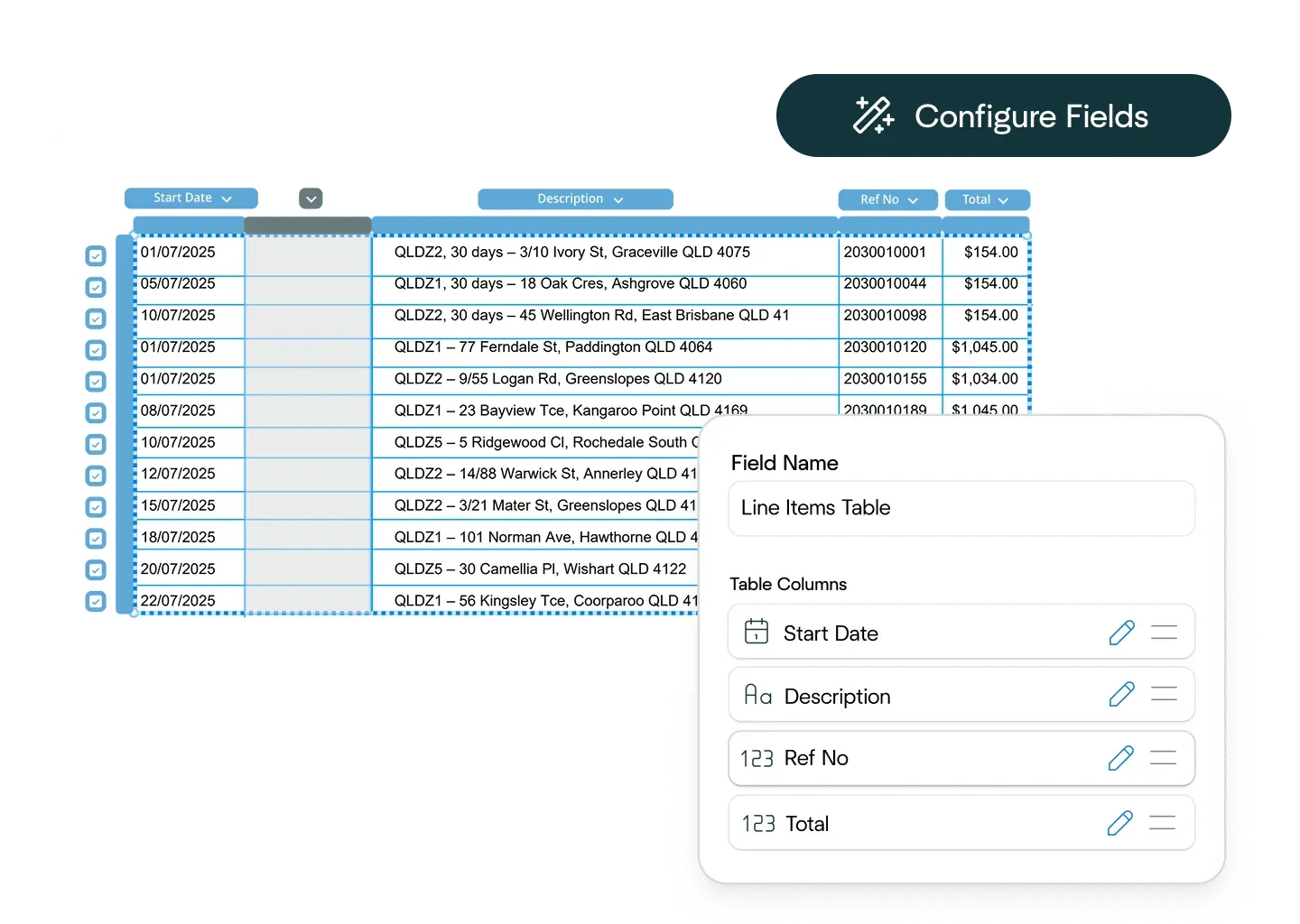
Ask the Affinda Agent to configure the workflow
Ask the Affinda Agent to configure the workflow
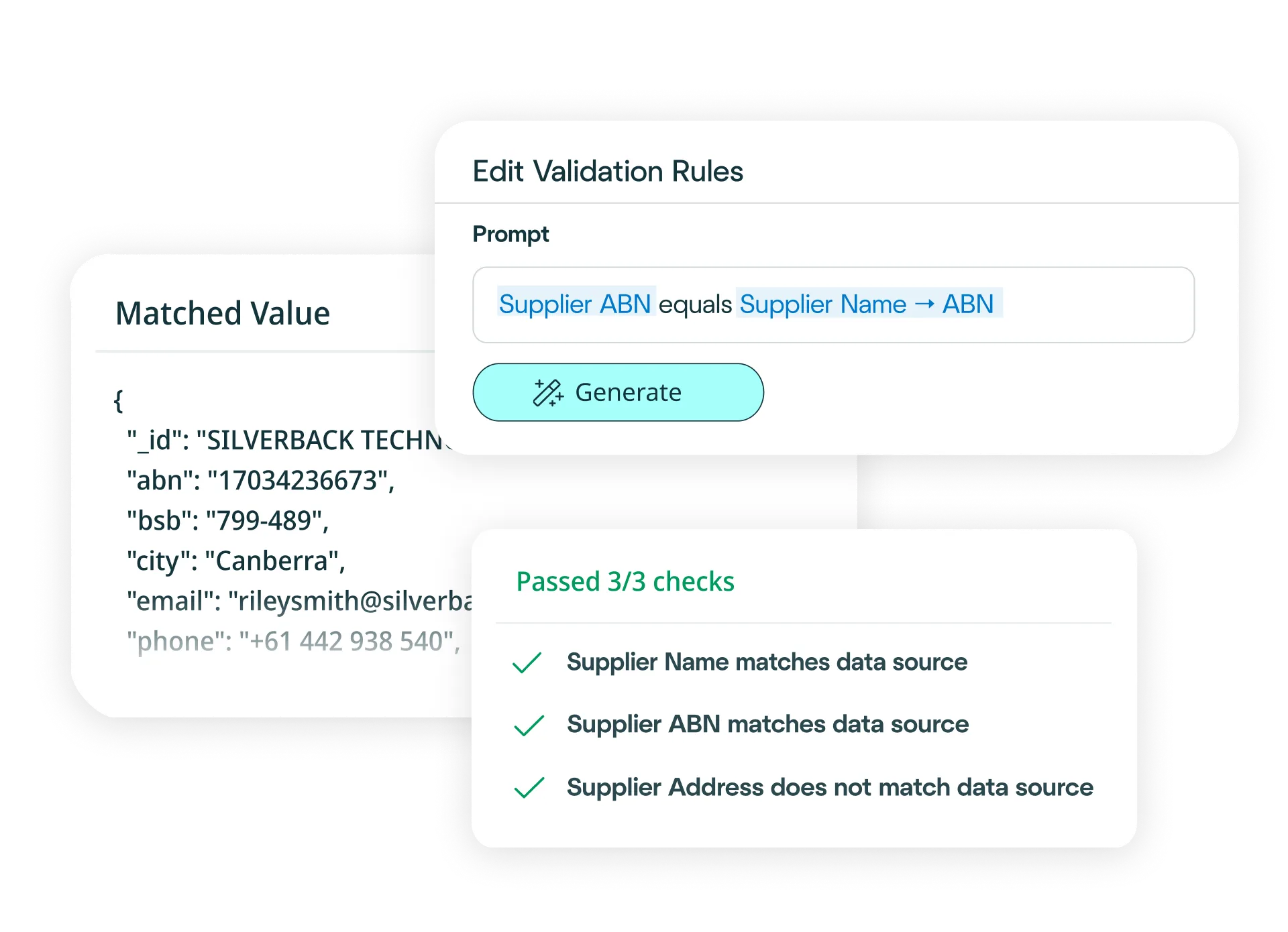
Scans, tables, handwriting, mixed layouts and review flags
Scans, tables, handwriting, mixed layouts and review flags

Try another free converter
Try another free converter
Frequently asked questions about passport conversion
How do I convert passports to Excel?
Simply upload your passport to our free tool at the top of this page, and watch as it converts your passport to an Excel file. Our platform reads, extracts, validates and exports all identity and travel details from your passport before converting it into an Excel file in moments.
Need to convert passports to Excel at scale? Try our platform for free - it's fast to set up and integrates easily with your existing business systems.
With our platform, you can:
- Upload your passports via drag-and-drop, email or API (single or bulk).
- Define your schema (or let the AI predict fields) and choose Excel output.
- Apply business rules (e.g., flag expired passports, verify nationality or validate dates of birth).
- Validate automatically against KYC requirements and compliance systems.
- Export clean Excel files, or push the data straight into your HRIS, travel or verification systems.
Result: clean, reliable passport conversion to Excel in minutes - no manual entry.
How do I convert passports to CSV files?
Simply upload your passport to our free tool at the top of this page, and watch as it converts your passport to a CSV file. The platform extracts, validates and exports all identity and travel details from your passport before converting it into a CSV file in moments.
Need to convert passports to CSV at scale? Try our platform for free - it integrates easily with your existing systems.
With our platform, you can:
- Upload passports via drag-and-drop, email or API (single or bulk).
- Define your schema (or use AI predictions) and choose CSV output.
- Apply business rules (e.g., flag expired passports, verify issuing country, validate expiry dates).
- Validate automatically against KYC requirements.
- Export clean CSV files, or push data directly into HRIS, travel or verification systems.
Result: clean, reliable passport conversion to CSV in minutes.
How accurate is the conversion from passports to Excel or CSV files?
When you convert passports to Excel or CSV files with Affinda, you're relying on data extraction that's 99%+ accurate. Once we've extracted all identity and travel details from your passport, the conversion to Excel or CSV happens automatically. For the small number of documents that may need a second look, built-in signals let you know - and once reviewed, your data converts instantly.
Can I define custom Excel or CSV formats?
Yes. Configure your preferred field structure in the platform - choose which passport fields to include (name, passport number, nationality, date of birth, expiry date, issuing country), set their order and data types, or simply describe your ideal Excel or CSV format in plain language. Affinda delivers exactly what your systems need.
How quickly can I create a passport conversion model?
In minutes. Upload a sample passport and the AI instantly predicts the key fields to extract - name, passport number, nationality, date of birth, expiry date and issuing country. Refine the model with a few clicks if needed. It learns from every decision you make, getting smarter over time and enabling straight-through processing when you're ready to scale.
What data fields can Affinda's AI extract from passports?
Affinda can extract any field from passports. Common fields include:
Identity details
- Full Name (Given Names / Surname)
- Date of Birth
- Nationality
- Sex / Gender
- Place of Birth
- Photo (extracted and stored)
Travel document details
- Passport Number
- Issuing Country / Authority
- Date of Issue
- Expiry Date
- Type of Document (e.g., P for passport)
Additional fields
- MRZ (Machine Readable Zone) – full extraction and parsing
- Personal Number / National ID (if present)
- Signature (if present)
- Endorsements / Observations
- Document Number / Book Number
Need custom fields or a specific template? Define them in the UI or describe them in natural language and the platform will extract and convert them automatically - whether you're converting passports to Excel, CSV files or pushing data directly to your systems.
What file types does Affinda's passport converter support?
Our AI agents can process any standard file type, including:
- JPG / JPEG
- PNG
- TIFF
- DOC / DOCX
- XLSX
- HTML
- TXT / CSV
Whether your passports are digital files or scanned images, we’ll convert them into Excel or CSV with consistent field structures and accurate data extraction.
Can Affinda extract data from scanned, low-quality or image-based invoices?
Yes. We use advanced OCR combined with agentic AI workflows, LLMs and proprietary algorithms to accurately extract identity and travel details from scanned passports, photos and low-quality images. Affinda also reads and parses MRZ data from images, enhancing document quality where needed to ensure reliable extraction - helping you convert even challenging passports to Excel or CSV files with confidence.
What languages are supported?
Affinda automatically detects and processes passports issued in 50+ languages. The platform seamlessly reads both the visual inspection zone (VIZ) and machine-readable zone (MRZ) regardless of the issuing country's language.
Supported languages include: Afrikaans, Albanian, Amharic, Arabic (Standard, Egyptian, Sudanese, Algerian, Moroccan, Levantine), Bahasa Indonesian, Bengali, Bhojpuri, Bulgarian, Burmese, Chinese (Mandarin [PRC/Taiwan]), Cantonese (Wu, Min Nan, Jinyu, Xiang, Hakka), Croatian, Czech, Danish, Dutch, English, Estonian, Finnish, French, German, Greek, Gujarati, Hebrew, Hindi, Hungarian, Italian, Japanese, Javanese, Kannada, Korean, Latvian, Lingala, Lithuanian, Macedonian, Malayalam, Marathi, Nepali, Norwegian, Odia, Persian (Farsi), Polish, Portuguese, Punjabi (Western and Eastern), Romanian, Russian, Slovak, Slovenian, Somali, Spanish, Swahili, Tagalog, Tamil, Telugu, Thai, Turkish, Ukrainian, Urdu, Vietnamese, Yoruba.
Does Affinda integrate with KYC, HRIS, travel and compliance systems?
Yes. Choose from 400+ downstream systems using the Agent, or connect via APIs and client libraries. You can no-code a workflow (e.g., convert passports to Excel or CSV, validate identity details, then push to your KYC or HRIS platform) or generate type-safe models for developer-led integrations.
Can I convert thousands of passport to Excel or CSV files?
Yes. The free tool at the top of this page works well for smaller batches or, to process hundreds at once, you can sign up for a free trial.
To convert thousands of passports to Excel or CSV files - and enable straight-through processing directly into your KYC, HRIS or compliance systems - the platform is built for that scale. You can process your first 200 passports free with the trial.
What are examples of passport conversion workflow automations?
AI passport processing helps automate and optimize identity verification workflows across business units such as:
HR and onboarding
- Speeds up employee onboarding by automatically extracting identity details, passport numbers and expiry dates from new hire documents.
- Feeds structured data directly into your HRIS to reduce manual entry and accelerate time-to-productivity.
Compliance and KYC/AML
- Strengthens identity verification by capturing name, nationality, date of birth and document expiry from passports.
- Automatically validates against watchlists and compliance requirements before pushing verified data to your KYC platforms for faster, more confident risk assessment.
Travel and immigration
- Accelerates visa processing and border management by extracting all travel document details, validating MRZ data and flagging expired or invalid passports.
- Integrates seamlessly with immigration systems to improve processing speed and reduce errors at scale.
Is my data secure?
Yes. Passports contain sensitive identity information, so we take security seriously. Affinda is ISO 27001:2022 certified, and SOC 2 Type 2 and GDPR compliant, ensuring enterprise-grade protection for your data. Access is role-based, processing is fully auditable and exports are controlled. If you'd like to discuss security in more detail, you can reach out to us about compliance standards, deployment options and data residency requirements.
What is passport conversion?
Passport conversion is the process of transforming a passport (PDF, scanned image or digital file) into structured, machine-readable data such as Excel (XLSX) or CSV. Affinda's AI platform automates the entire workflow - extracting all identity and travel details, validating against your requirements and delivering clean data in minutes. You can convert passports to Excel or CSV files with high accuracy, ready for KYC verification, HRIS onboarding or compliance systems.
What is passport data extraction?
Passport data extraction reads a passport and pulls out key identity and travel details (name, passport number, nationality, date of birth, expiry date, issuing country and photo).
Affinda's AI turns unstructured travel documents into clean Excel or CSV formats that integrate directly into your KYC, HRIS or compliance workflows.
Our platform combines OCR, LLMs, agentic workflows and proprietary algorithms to extract data from any passport format or language with high accuracy and fast processing times, ideal for both single conversions and bulk processing.
Our platform handles both digital and scanned passports with contextual understanding, delivering verification-ready Excel or CSV files in minutes.