Convert bank statements to Excel or CSV files for free
Convert bank statements to Excel or CSV files for free
Processing bank statements regularly? Affinda Platform helps teams extract, validate, review and export bank statement data across repeatable workflows. Scale from one-off conversion to batch intake, validation rules, review queues and downstream exports.
From raw bank statement to structured data
From raw bank statement to structured data
Sample bank statement output
Sample bank statement output
- Account details and statement period
- Transaction line items and running balances
- Flags for duplicates or unclear entries
| Date | Description | Debit | Credit | Balance |
|---|---|---|---|---|
| 2026-04-01 | Opening balance | - | - | 12,430.10 |
| 2026-04-03 | PAYROLL ACME PTY LTD | - | 3,840.00 | 16,270.10 |
| 2026-04-05 | CARD PURCHASE OFFICEWORKS | 128.44 | - | 16,141.66 |
Use the same setup for the messy production version
Use the same setup for the messy production version
Want to save your settings and automate every bank statement? Try the platform.
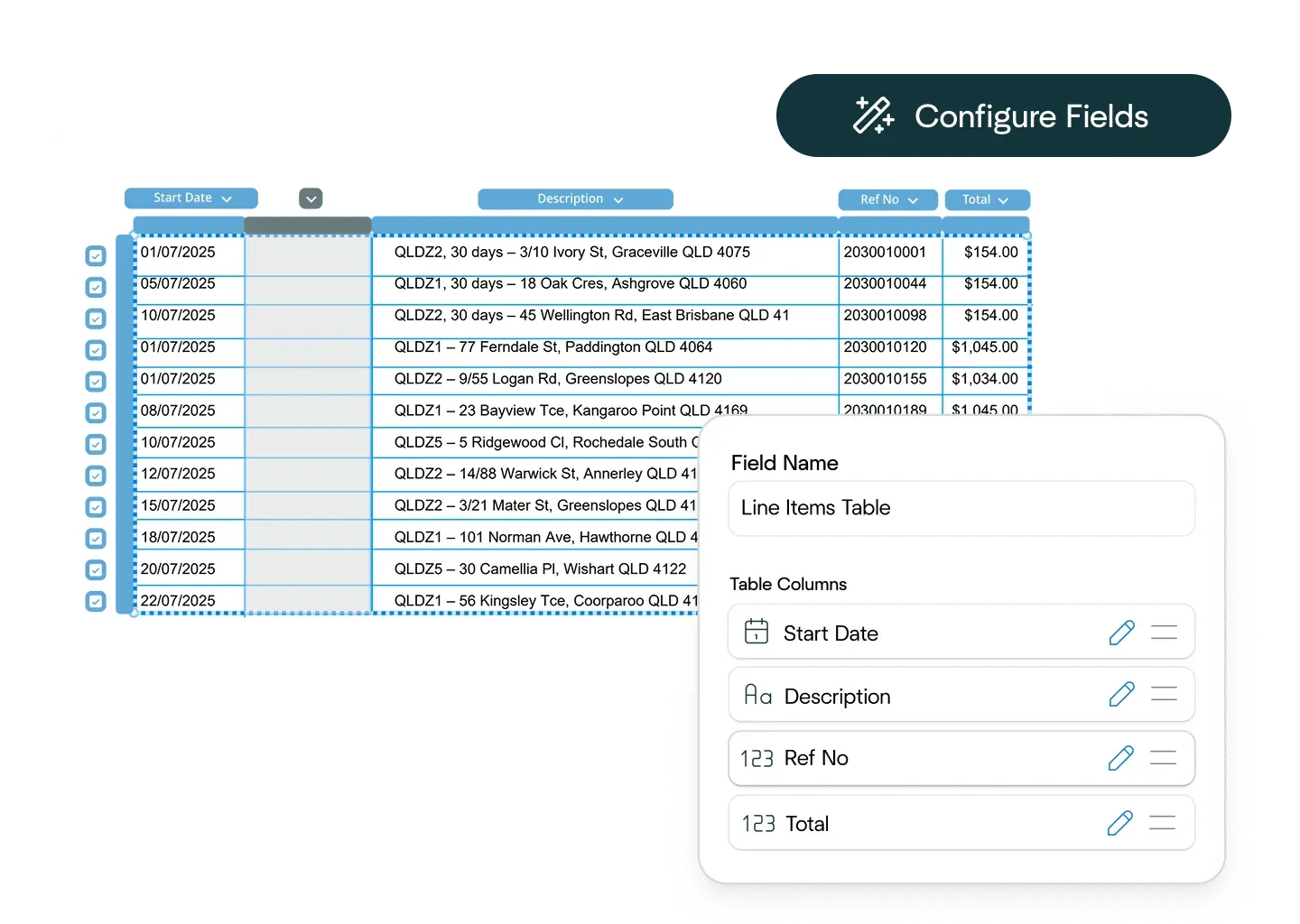
Ask the Affinda Agent to configure the workflow
Ask the Affinda Agent to configure the workflow
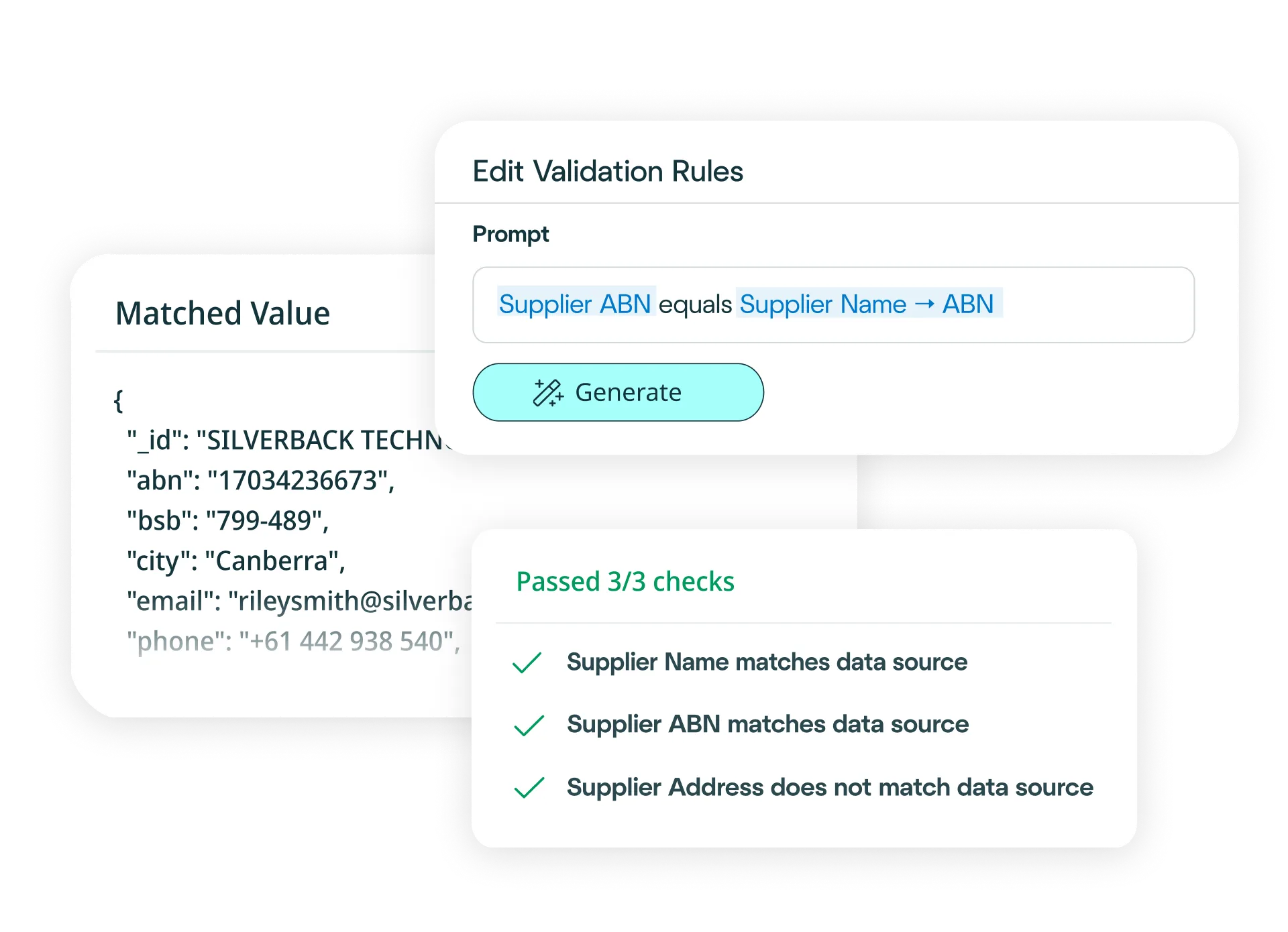
Scans, tables, handwriting, mixed layouts and review flags
Scans, tables, handwriting, mixed layouts and review flags
For teams processing bank statements at scale
For teams processing bank statements at scale
Extract transaction rows, balances and account details for document-heavy financial workflows.
Explore banking and finance Lending and credit assessmentTurn bank statements into structured data for income checks, cash-flow review and faster decisions.
Explore lending workflows Accounts payable and reconciliationValidate statement data against invoices, payments and finance systems before export.
Explore accounts payable
Try another free converter
Try another free converter
Frequently asked questions about bank statement conversion
How do I convert bank statements to Excel?
Simply upload your bank statement to our free tool at the top of this page, and watch as it converts your bank statement to an Excel file. Our platform reads, extracts, validates and exports your bank statement data before converting it into an Excel file in moments.
Need to convert bank statements to Excel at scale? Try our platform for free. It’s fast to set up and integrates with your existing business systems easily. With our platform, you can:
- Upload your bank statements via drag-and-drop, email or API (single or bulk).
- Define your schema (or let the AI predict fields) and choose Excel output.
- Apply business rules (e.g., flag negative balances, duplicate transactions or out-of-period entries).
- Validate automatically against banking logic and your finance/ERP data.
- Export clean Excel files, or push the data straight into your systems.
Result: just minutes to clean, reliable bank statement conversion to Excel with no manual re-keying required.
How do I convert bank statements to CSV files?
Simply upload your bank statement to our free tool at the top of this page, and watch as it converts your bank statement to a CSV file. Our platform reads, extracts, validates and exports your bank statement data before converting it into a CSV file in moments.
Need to convert bank statements to CSV files at scale? Try our platform for free. It’s fast to set up and integrates with your existing business systems easily. With our platform, you can:
- Upload your bank statements via drag-and-drop, email or API (single or bulk).
- Define your schema (or let the AI predict fields) and choose CSV file output.
- Apply business rules (e.g., flag negative balances, duplicate transactions or out-of-period entries).
- Validate automatically against banking logic and your finance/ERP data.
- Export clean CSV files, or push the data straight into your systems.
Result: just minutes to clean, reliable bank statement conversion to CSV with no manual re-keying required.
How accurate is the conversion from bank statements to Excel or CSV files?
The conversion of bank statements to Excel or CSV is powered by our platform’s data extraction capability, which is 99%+ accurate. After data extraction, we convert your data to Excel or CSV automatically and seamlessly. For the handful of documents that may need a review, built-in signals alert you and once your team has approved them, your data is converted straight away.
Can I define custom Excel or CSV formats?
Yes. Use the configuration interface on our platform to outline the fields, their data type and the ordering, or describe the output in natural language. Affinda will generate exactly the Excel or CSV structure your systems expect.
How quickly can I create a bank statement conversion model?
In minutes. Upload a single sample bank statement and let our AI predict the relevant fields to extract. Then, refine if required with a few clicks. The model “remembers” decisions for continuous improvement, allowing for straight-through processing at scale.
What data fields can Affinda's AI extract from bank statements?
Affinda can extract anyfield. Common fields include:
Statement details
- Account holder / entity name
- Account number / IBAN
- Bank name / BIC / branch
- Statement period (from / to)
- Opening balance / closing balance
- Currency
Transaction lines
- Posting date / value date
- Description / narrative / reference
- Debit amount / credit amount
- Running balance
- Merchant / payee (where available)
- Category / MCC (if present)
- Check number / transaction ID
- Fees / charges / interest (separate identification)
- Foreign amount / exchange rate (for FX entries)
- Notes / memo
Other fields
- Page number / statement ID
- Customer address (if present)
- Bank contact details (if present)
Need custom fields or a specific template? Define them in the UI or describe them in natural language and our platform will extract and convert them automatically.
What file types does Affinda's bank statement converter support?
Our AI agents can process any common file type, including:
- JPG/JPEG
- PNG
- TIFF
- DOC/DOCX
- XLSX
- HTML
- TXT/CSV
Whether your bank statements are digital PDFs or scans/photos, we’ll convert them into Excel or CSV with consistent column structures.
Can Affinda extract data from scanned, low-quality or image-based bank statements?
Yes. We combine advanced OCR with retrieval-augmented generation (RAG), LLMs, agentic workflows and proprietary reading-order algorithms to accurately capture data from scans and photos of bank statements. Affinda also enhances low-quality images to improve recognition, helping you convert even difficult bank statements to Excel or CSV files.
What languages and currencies are supported?
Affinda automatically detects and processes bank statements in 50+ languages and any currency, including multi-currency transactions. Mixed-language bank statements are handled seamlessly and currency symbols/codes are preserved or normalized per your export settings.
Supported languages include:
- Afrikaans
- Albanian
- Amharic
- Arabic (Standard, Egyptian, Sudanese, Algerian, Moroccan, Levantine)
- Bahasa Indonesian
- Bengali
- Bhojpuri
- Bulgarian
- Burmese
- Chinese (Mandarin [PRC/Taiwan])
- Cantonese (Wu, Min Nan, Jinyu, Xiang, Hakka)
- Croatian
- Czech
- Danish
- Dutch
- English
- Estonian
- Finnish
- French
- German
- Greek
- Gujarati
- Hebrew
- Hindi
- Hungarian
- Italian
- Japanese
- Javanese
- Kannada
- Korean
- Latvian
- Lingala
- Lithuanian
- Macedonian
- Malayalam
- Marathi
- Nepali
- Norwegian
- Odia
- Persian (Farsi)
- Polish
- Portuguese
- Punjabi (Western and Eastern)
- Romanian
- Russian
- Slovak
- Slovenian
- Somali
- Spanish
- Swahili
- Tagalog
- Tamil
- Telugu
- Thai
- Turkish
- Ukrainian
- Urdu
- Vietnamese
- Yoruba
Does Affinda integrate with ERP, accounting and BI systems?
Absolutely. Choose from 400+ downstream systems using the Agent, or connect via APIs and client libraries. You can no-code a workflow (e.g., convert bank statements to CSV, validate, then post to your ERP) or generate type-safe models for developer-led integrations.
Can I convert thousands of bank statements to Excel or CSV files?
Yes. Use the free tool at the top of this page for one-off conversion or, to process hundreds quickly, sign up for a free trial. To benefit from not only the bulk processing of thousands of bank statements but also straight-through processing directly into your business systems, talk to us about our platform. You can try it out and process the first 500 bank statements for free with our free trial.
What are examples of bank statement conversion workflow automations?
AI bank statement processing helps automate and optimize financial workflows across business units such as:
- Finance and accounting: Accelerate bank reconciliation by automatically extracting transaction data, account balances and reference numbers from any statement format. Business-rule validation catches discrepancies, duplicate transactions and balance mismatches before they reach your accounting software.
- Lending and underwriting: Speed up loan decisions with accurate extraction of account holder details, transaction histories and cash flow patterns – automatically feeding structured data into your loan origination systems for faster, more confident underwriting.
- Compliance and risk: Strengthen KYC and AML checks by capturing and analyzing transaction patterns, account details and reference data across multiple statements – integrating seamlessly with your compliance platforms to improve accuracy and audit readiness.
Is my data secure?
Yes. Affinda follows enterprise-grade security practices. Our platform is ISO 27001:2022 certified, and SOC 2 Type 2 and GDPR compliant, delivering enterprise-grade security, compliance and peace of mind for organizations worldwide. Data access is role-based, processing is audit-ready and exports are controlled. If you’d like to discuss security further, you can talk to us about compliance, deployment options and data residency to match your requirements.
What is bank statement conversion?
Bank statement conversion is the process of converting a bank statement (PDF, image, or digital file) into structured, machine-readable data, such as Excel (XLSX) or CSV. Our AI platform automates every step, from file intake to validation, so you can convert bank statements to Excel or CSV files in minutes with high accuracy, ready for reconciliation, analysis or upload to your finance systems.
What is bank statement data extraction?
Bank statement data extraction reads a statement and pulls out key data points (e.g., account holder, account number, opening/closing balances and every transaction line). Affinda’s AI turns unstructured statements into clean Excel or CSV formats that slot straight into your general ledger, BI tools or downstream workflows.
Our platform blends reading-order models, OCR, LLMs, RAG and agentic workflows to extract data from any layout or language with high accuracy and faster processing times, ideal for both one-off conversions and bulk processing.
Transaction-line extraction captures every row in the statement’s transaction table and preserves the relationships between columns (date, description, debit/credit, running balance etc.). Our complex-tables capability “reads” your lines with impressive contextual understanding, ensuring clean, analysis-ready Excel or CSV files.